
User Research
Interviews and analytics to learn what people are genuinely trying to do.
Most products don't fail for lack of features. They fail because nobody could work out how to use them.
We research, wireframe, prototype and test with real users before a single line of production code gets written — which is a great deal cheaper than discovering the problem after launch.
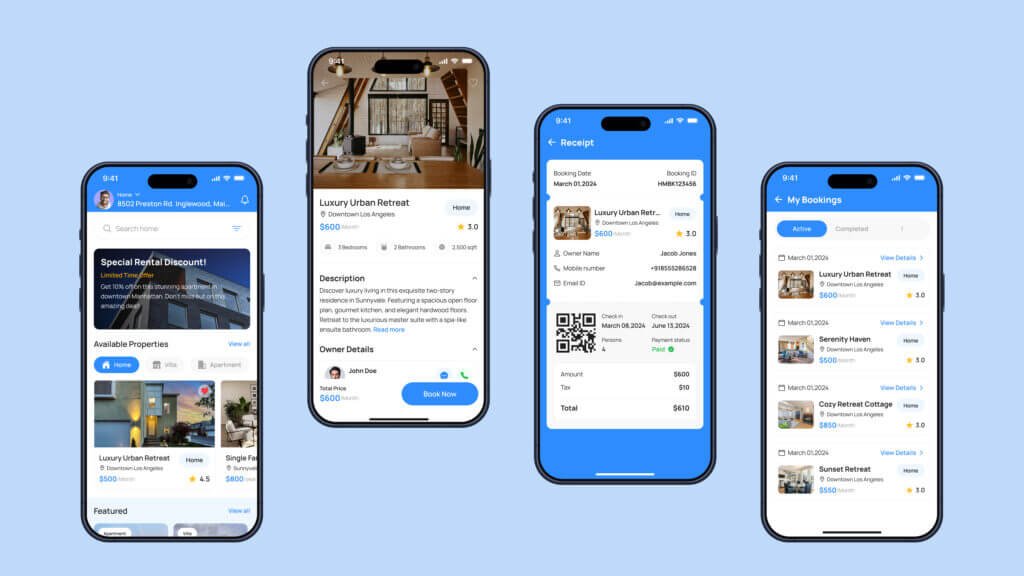
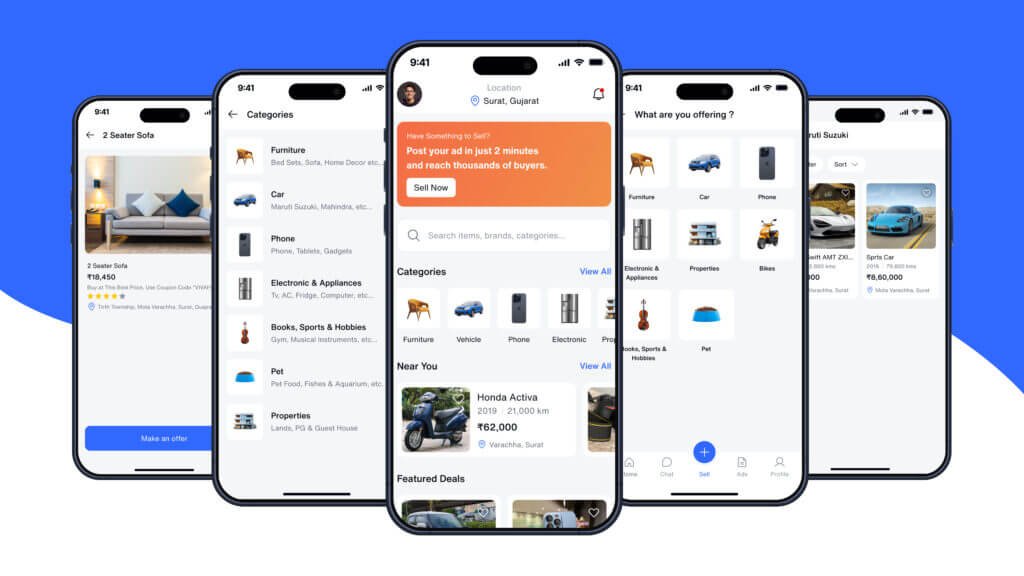
You'll get a design system your developers can genuinely build from: real components, real states, real spacing rules. Not a beautiful picture that falls apart the moment it meets a browser.
Research through to a build-ready design system.
Interviews and analytics to learn what people are genuinely trying to do.
Structure agreed and argued about before anything gets made pretty.
Click through the real thing before committing to development.
Tokens, components and states documented for your developers.
We watch real people use it and fix whatever trips them up.
Keyboard navigation, contrast and screen-reader support checked.
Fixing it on paper costs a fraction of fixing it in code.
Talk to an engineerA wireframe change costs hours. The same change after launch costs weeks.
Our handover includes states, spacing and edge cases — not just happy paths.
We test rather than argue about opinions in a meeting.
Retrofitting accessibility is expensive. Designing it in is not.
A design system keeps version five looking like version one.
We look at what changed in the numbers once it is live.
Evidence at every stage, not just at the end.
Users, competitors and analytics — what is actually going wrong today.
Structure first, in low fidelity, so the debate is about flow not colour.
The full interface plus the component library behind it.
Usability sessions, revisions, then a developer-ready handover.
Have a different question? We reply within one business day.
Ask us anythingIt depends on scope, integrations and design complexity. After a free discovery call you get a written estimate with a price range, a timeline and the assumptions behind it.
A focused first release usually takes 8 to 14 weeks. Larger builds are delivered in phases, with something usable at the end of each phase.
Yes. Source code, repositories, store listings and credentials are handed over to you, and we sign an NDA before any details are shared.
Yes. Every project includes a warranty period, and monthly support plans cover monitoring, updates, fixes and new features.

A CRM only works if your team actually uses it. Most sit half-empty because the system does not…
Learn more
Joomla sits in a useful middle ground — more structure than WordPress out of the box, less overhead…
Learn more
Laravel is what we reach for when a project needs real application logic, not just pages.
Learn moreA short usability review usually finds it fast. Book a free consultation and we will take a look.